What Makes Miral AI Image Cropping Tool Different from Basic Crop Features
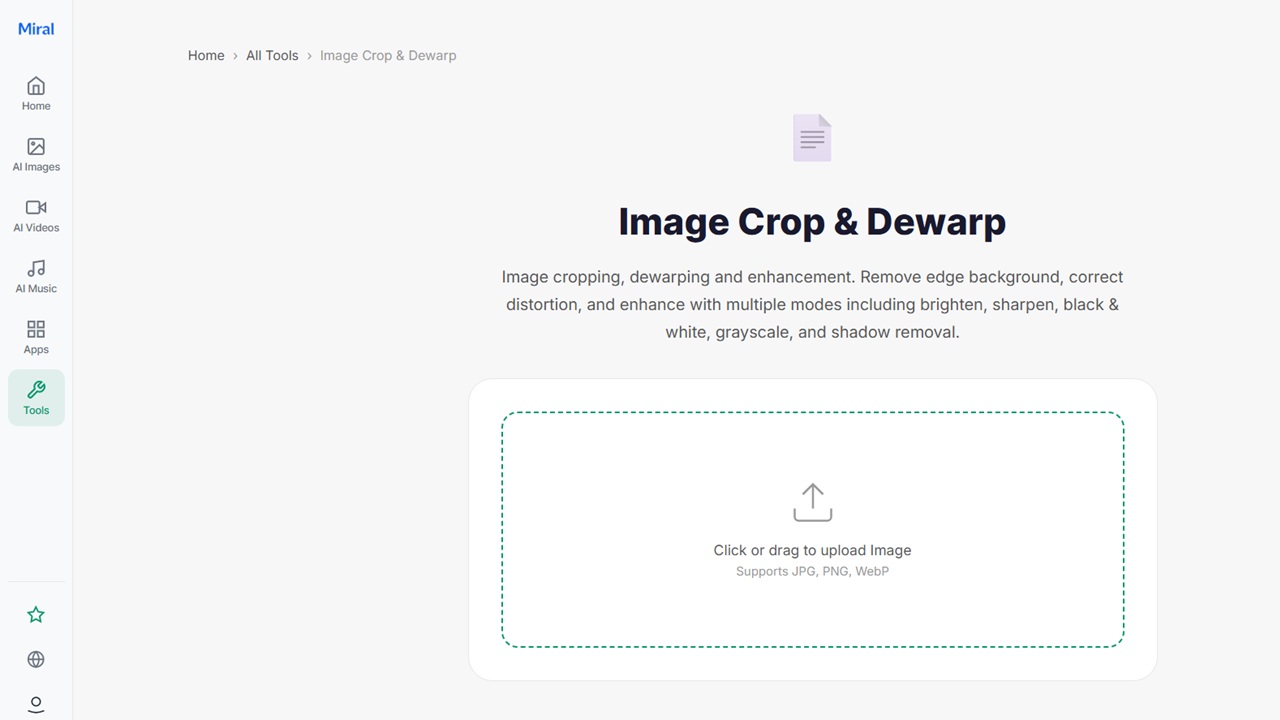
Image cropping is something that most people are familiar with. You select a box, cut out the portions you don’t want and save that. It works, but just on the surface. It does not correct distortion, crooked edges or scan problems. It also does not improve the image itself. Miral AI image cropping tool goes beyond simple trimming. It is a combination of cropping, correction and enhancement in one process. Rather than cutting just portions of an image, it also rectifies structural irregularities, corrects image alignment errors and enhances image clarity.
Basic Crop Tools and Their Limits
Standard crop tools are simple by design. They focus on removing unwanted areas from an image. It’s helpful for structuring but not for addressing more fundamental problems. A simple crop tool is not a solution for a tilted or blurry image, or for a warped image caused by scanning. It just alters what you see. This can give users images that are still not optimal, even after cropping.
A Focus on Structure, Not Just Edges
Miral AI Image Cropping Tool takes a different approach. It does not treat cropping as only edge removal. Rather, it considers the image’s composition. This allows it to realign and correct out-of-round shapes before finalizing the crop. This creates not only a smaller image but also a more balanced one. This is particularly helpful for documents, scanned pages and angled photos.
Built-in Dewarp Correction
Dewarping is one of the differences. Many images, particularly scanned images, are not flat. There might be curves in the pages, or photos might have been taken at an angle. Basic crop tools ignore this problem. Miral AI attempts to correct these distortions and straighten them before cropping. This helps create clearer, more natural text, which is crucial for texts that need to be understood and for clean visuals.
Edge Cleanup Instead of Hard Cuts
Traditional cropping may leave sharp or irregular edges, leading to unfinished images. Miral AI Image Cropping Tool handles edges more smoothly. It removes unnecessary background areas while keeping the remaining image visually clean. This creates a more natural transition between cropped and kept areas.
Enhancement During Cropping
Another major difference is that cropping is not the only action happening. Miral AI also enhances the image. This may involve adjusting brightness, contrast, and sharpening. After cropping, users don’t need another editor to enhance the image. The two processes occur simultaneously, thus avoiding time loss and inconsistent results.
Support for Multiple Visual Modes
Basic crop tools stop once the image is resized. Miral AI goes further by offering different visual adjustments during the same process. Images can be converted to grayscale or black-and-white, with shadows removed, allowing users to create versatile images without further editing. It is not only cropping, but formatting the image for the end use.
Better Results for Scanned Documents
Document cleanup is one of the best use cases. Scanned pages are likely to be tilted, have shadows, or uneven lighting. A normal crop tool cannot fix these issues. Miral AI Image Cropping Tool corrects the image alignment, removes edge noise, and enhances clarity. This will make the text more readable and improve the document’s appearance without requiring any editing.
Simpler Workflow for Users
With basic tools, users often crop first and then move to another editor for fixes. This creates a multi-step process. Miral AI reduces this by combining steps into one flow. Upload the image, process it, and download the processed image. No platform-to-platform changes of tools or edits.
Handling Real World Image Problems
Images in real use are rarely perfect. The pictures can be shot in a hurry, the documents may be scanned in bad light, and the edges may be raveled. Basic cropping does not address these problems. Miral AI tries to correct them during processing. This makes it easier to use in daily life, as the images are not professionally shot.
Consistency Across Different Image Types
Another difference is how the tool works across different images. All three of a photo, a scanned document and a digital graphic are different when you edit them. Miral AI adapts its processing based on the image type. This helps maintain clarity and structure, rather than applying the same simple crop rule to everything.
Conclusion
Miral AI Image Cropping Tool shines by not just cropping off the edges of the image. It eliminates distortion, enhances structure, adds quality and prepares images for true use all in one. Framing is useful but limited, as basic crop tools only provide that functionality. For documents, scanned pages, and even substandard photos, Miral AI takes that role to the next level, helping you clean up and improve your content. The outcome is a tool that not only reduces images but also enhances their clarity and accessibility.